OLED
iPhone Duo Wallpapers
Curated HD pairs calibrated for 5.4" Cover and 7.6" Inner displays—with hinge-safe framing and OLED contrast.
Cover · 1398×2034Inner · 2670×1878
Engineered for Dual-Screen Continuity
Every wallpaper set on iPhoneWallpapersDuo.com is formatted in Apple Display P3 wide color with dedicated aspect calibration for both screens.
5.4" Cover Display1398 × 2034 px
Portrait framing preserves clean negative space behind the Dynamic Island, lock screen clock, and widget rows so time and notifications remain legible outdoors.
Browse Cover collection7.6" Inner Canvas2670 × 1878 px
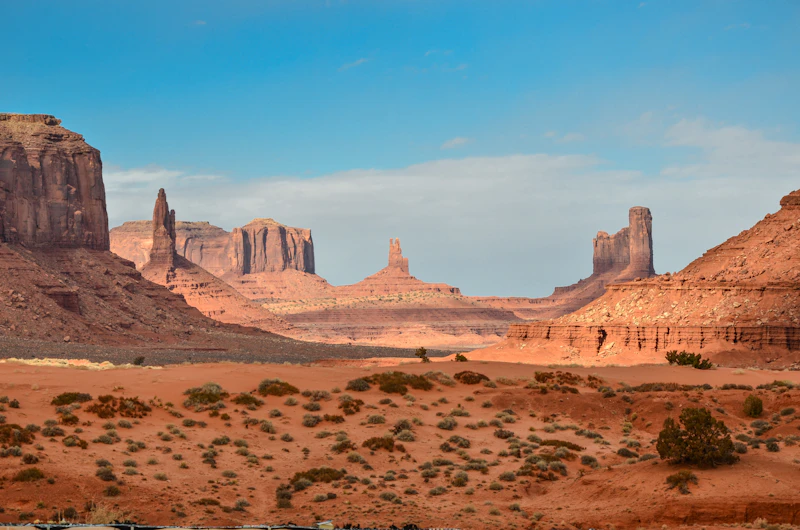
Wide panoramic layouts use off-center focal anchors so key subjects sit smoothly on the left or right thirds without splitting across the middle folding hinge.
Browse Inner Canvas collectionDisplay & Setup Guides
Technical insights on OLED battery savings, hinge-safe composition, and iOS Lock Screen styling.
Setup Guide · 5 min read
Complete Guide: Setting Dual-Screen Wallpapers on Foldable iPhone Duo
Learn why foldable devices require separate 1398×2034 Cover and 2670×1878 Inner Canvas files, and how to pair them cleanly without cropping or distortion.

OLED Science · 6 min read
Do True Black AMOLED Wallpapers Actually Save Battery on OLED Displays?
A technical look at self-emissive OLED subpixels, why #000000 true black beats dark gray for power savings, and how to pick high-contrast OLED art.
Design Craft · 5 min read
Hinge-Safe Composition: Why Standard Wallpapers Break on 7.6-Inch Foldables
How asymmetric framing, balanced negative space, and smart horizon placement keep unfolded wallpapers looking seamless across the center fold.
Frequently Asked Questions
Why do foldable iPhone Duo wallpapers need two separate files?
The 5.4-inch outer Cover Display uses a tall 1398×2034 portrait aspect ratio, while the unfolded 7.6-inch Inner Canvas spans a wide 2670×1878 landscape-leaning canvas. Providing dedicated native files prevents ugly cropping and keeps focal subjects off the center fold.
Do AMOLED Pure Black wallpapers save battery on OLED screens?
Yes. Super Retina OLED panels illuminate pixels individually. Pixels anchored at true #000000 black power off completely, reducing display power draw during Always-On Display and Lock Screen checks.
Are all wallpapers free for personal use without registration?
Yes. Every wallpaper pair is 100% free for personal device customization with direct downloads—no account, no countdown timers, and no watermarks.
How do I apply different wallpapers to the Cover and Inner screens?
Keep your device folded to customize the 1398×2034 Cover Lock Screen first, then unfold onto the 7.6-inch Inner Canvas and assign the 2670×1878 companion image in Settings > Wallpaper.