Display P3 vs. sRGB & Lossless Masters: Why Wallpaper Resolution & Gamut Matter
Understanding why low-bitrate social media screenshots ruin OLED gradients, and how wide-gamut WebP/PNG masters preserve crisp micro-contrast.
Key Takeaways
- Display P3 covers roughly 25% more color volume than standard sRGB.
- Re-compressed social media images cause stair-step banding in dark sky gradients.
- Native 1398×2034 and 2670×1878 exports eliminate hardware upscaling blur.
Why Compressed Screenshots Look Muddy on Super Retina Displays
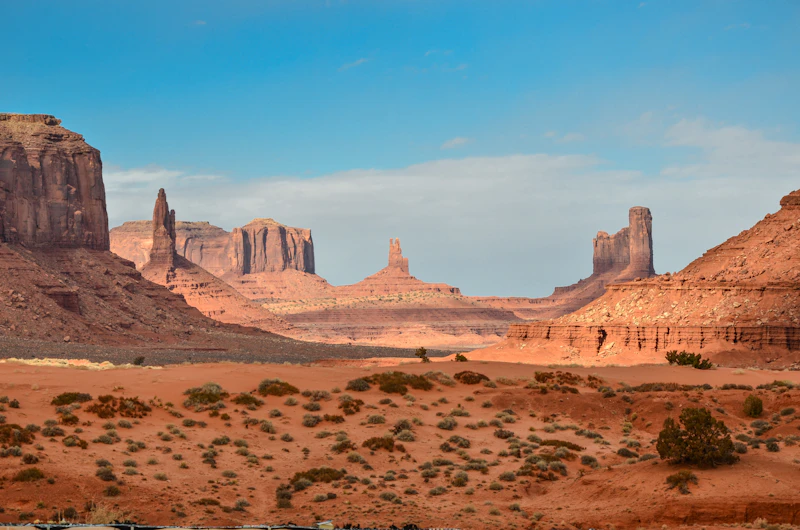
Downloading wallpapers from messaging apps or social feeds almost always strips wide-gamut color profiles and applies heavy 8-bit chroma subsampling. On a high-density OLED screen, that compression immediately shows up as blocky 'stair-stepping' across sunset skies, nebulas, and dark minimalist dunes.
Serving native-resolution WebP and lossless master files directly from global edge storage preserves smooth tonal transitions and razor-sharp micro-detail.
Matching Native Pixel Counts
When an image matches your screen's exact pixel grid—1398×2034 on the 5.4-inch Cover and 2670×1878 on the 7.6-inch Inner Canvas—the display pipeline maps pixels 1:1 without interpolation softening edges. That difference is especially visible on geometric 3D art, typography, and fine architectural lines.